1. Navigate to https://www.rcpi.ie/myaccount
2. You have the option to sign up with a social account.
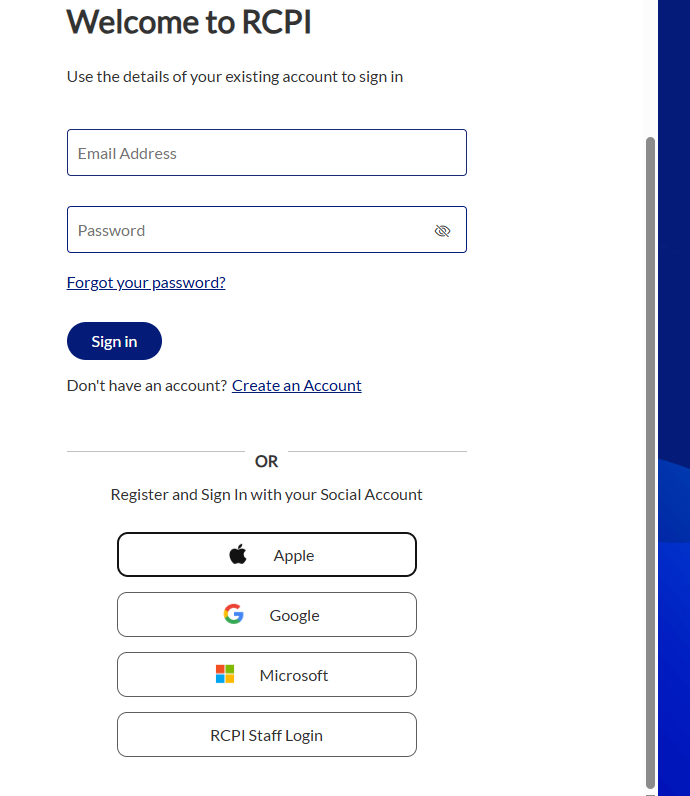
3. Select your Social account provider and continue the set up process
4. You will then follow the same steps necessary for a new RCPI user which were specified in similar wiki articles (Create a New Account Microsoft Authenticator app : RCPI Help Centre or alternatively: Creating an RCPI account with Email : RCPI Help Centre). This would be the following for both wishing to use email or authenticator as an MFA Method:
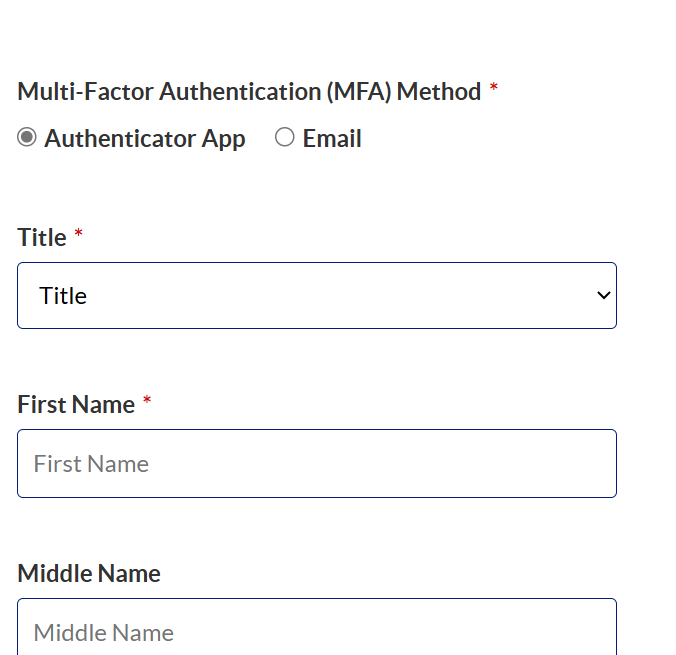
Choose your MFA method App or Email
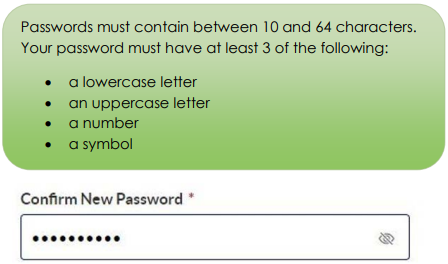
Enter a password and confirm
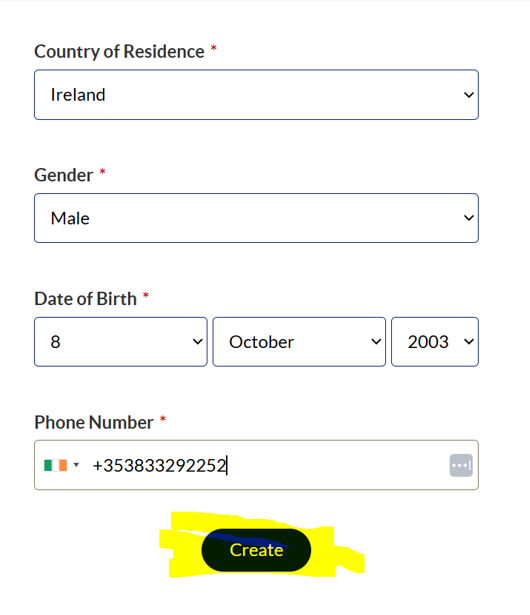
Fill in your personal details
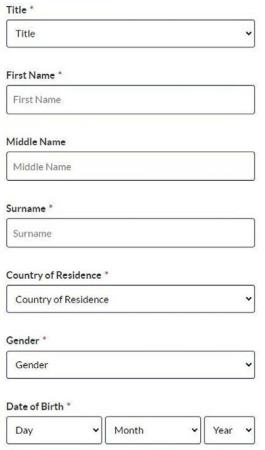
Once you have entered these details click 'Create'
5. For email authentication, the final 2 steps would be:
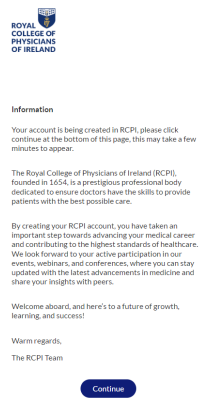
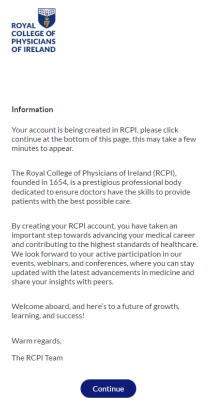
The Continue button will appear when ready to proceed. Click continue once it becomes available
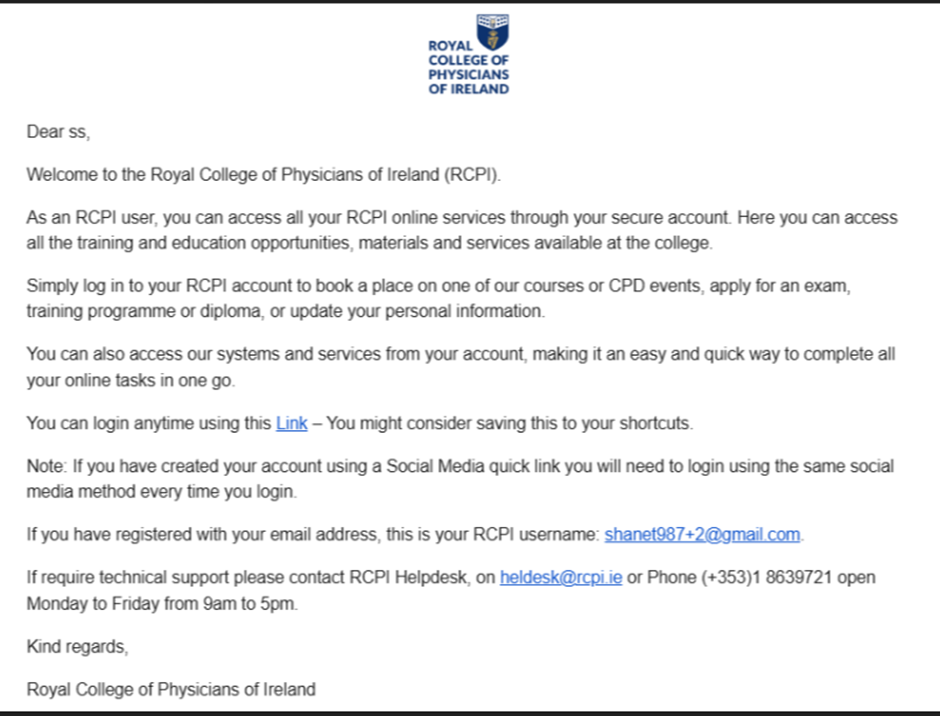
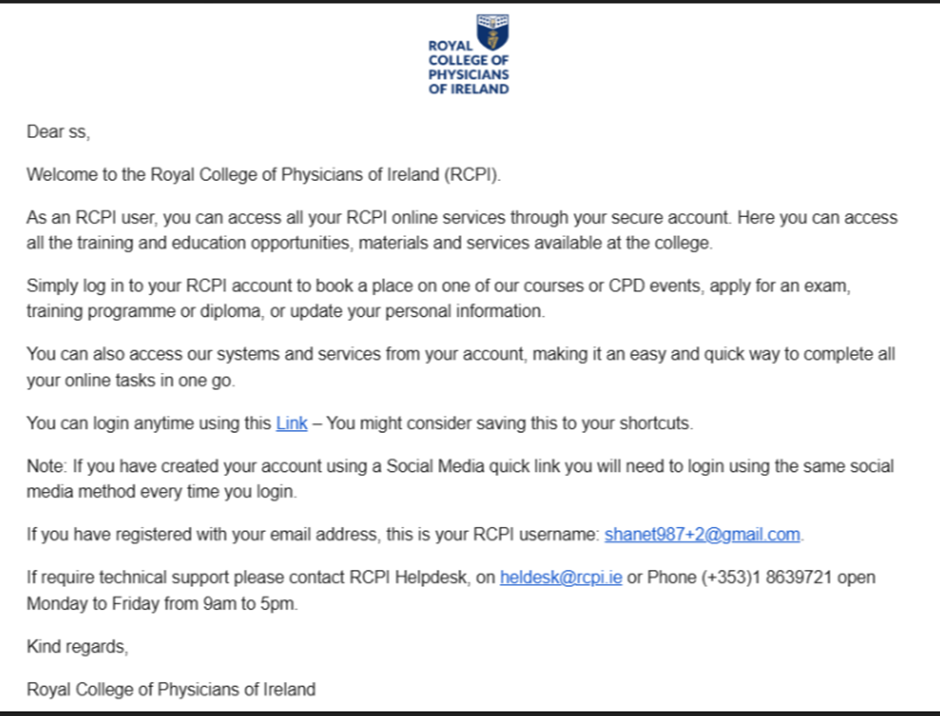
Receive the Welcome to RCPI email
6. For Authenticator app, the final 4 steps would be:
Download the Microsoft Authenticator App on your smartphone (available on the App Store and Google Play).
When prompted, choose to set up the Authenticator app — a QR code will be displayed on screen.
Open the app and scan the QR code to link it.

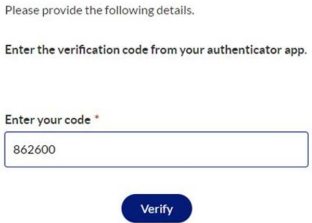
Once linked, your 6-digit code will appear in the app — enter that code when prompted to complete your login.
The Continue button will appear when ready to proceed. Click continue once it becomes available
Receive the Welcome to RCPI email
Was this article helpful?
That’s Great!
Thank you for your feedback
Sorry! We couldn't be helpful
Thank you for your feedback
Feedback sent
We appreciate your effort and will try to fix the article