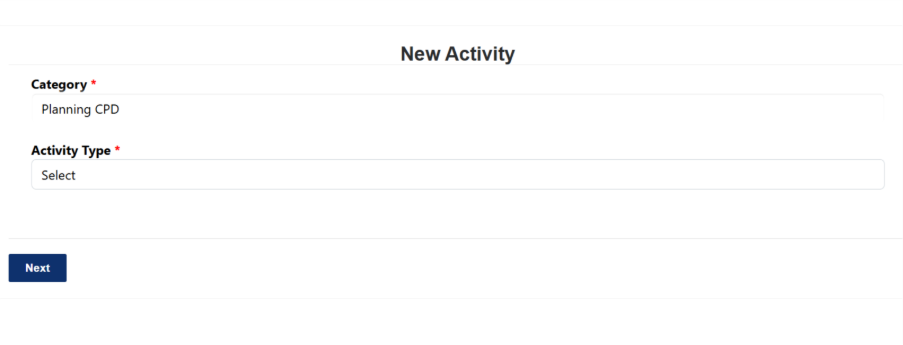
Select Category: Planning CPD.
Choose an Activity Type:
Professional Development Plan
Peer Review
End of Year Reflection
Click Next and complete the required details.
Save the activity to update your CPD record.
Was this article helpful?
That’s Great!
Thank you for your feedback
Sorry! We couldn't be helpful
Thank you for your feedback
Feedback sent
We appreciate your effort and will try to fix the article