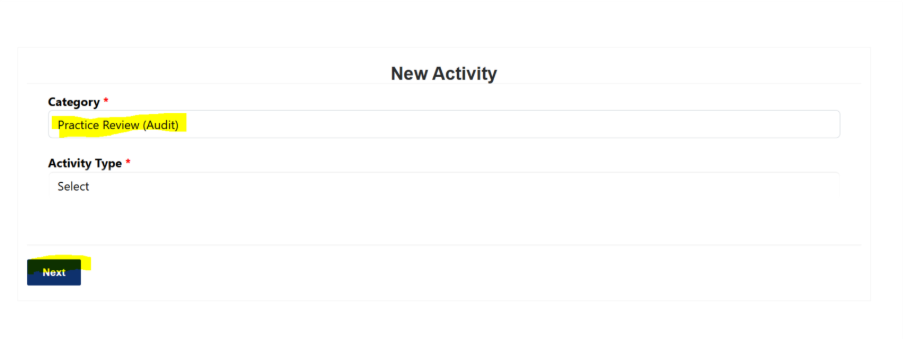
Go to New Activity and select Category: Practice Review (Audit).
Choose an Activity Type:
Audit
Quality Improvement
Practice Evaluation
Click Next and complete the details.
Was this article helpful?
That’s Great!
Thank you for your feedback
Sorry! We couldn't be helpful
Thank you for your feedback
Feedback sent
We appreciate your effort and will try to fix the article