There are two ways to Edit/review your account details:
Option 1
- When you log in, you will be automatically brought to the Edit Profile page to review or update your details
Option 2
- Navigate to https://www.rcpi.ie/myaccount, log in to your account
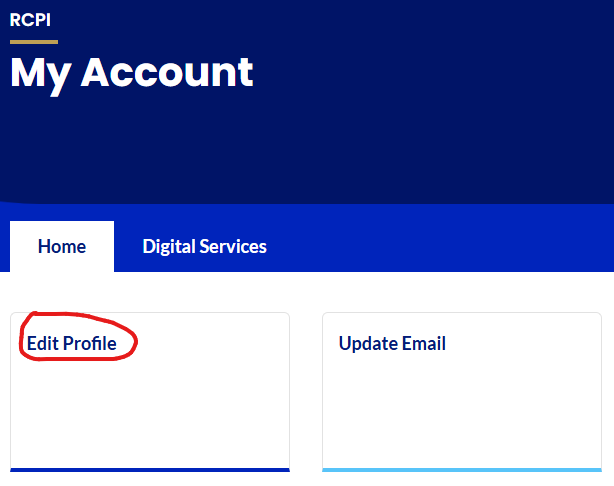
- Click on the 'Edit Profile' link in RCPI Digital Hub to review or update your details
- You can change the following information for your profile:
- Title
- Country of Residence
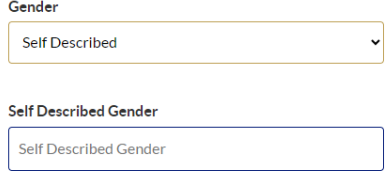
- Gender - If you select self-described a separate box will appear
 Phone Number
- Irish Medical Number
- Medical Regulatory Associations
- From this section you can also submit a request to delete your account
 When you select this option, an email is sent to the RCPI team for review.

Was this article helpful?
That’s Great!
Thank you for your feedback
Sorry! We couldn't be helpful
Thank you for your feedback
Feedback sent
We appreciate your effort and will try to fix the article